
Cash out crypto without a bank account: card, PayPal or cash
You can cash out crypto with no bank involved at all. Pick a virtual Visa for online spending, a PayPal balance, a gift card code, or cash you collect at a Western Union or MoneyGram counter. Fees run from 1% to 2% and show before you send, and the only thing to set up first is a free Zilligo account.
- Zilligo fee, 2%
- $10.00
- Card issuing fee, first card
- $10.00
- Network fee
- Paid by your wallet
- Per order
- $100 to $5,000
An estimate at today's price. Your order page fixes the exact amount for 20 minutes.
Your situation
Living without a bank: what matters
In 2024, about 1.3 billion adults worldwide were unbanked, without even a mobile money wallet. Plenty of others have a bank but would rather keep crypto well away from it.
None of the payouts below needs a bank on your side. Card details and gift card codes arrive by email, PayPal pays the email on your PayPal account, and cash is handed over at a counter to the name on your ID.
Payouts that fit
Payouts that need no bank
 Visa PrepaidBest fit
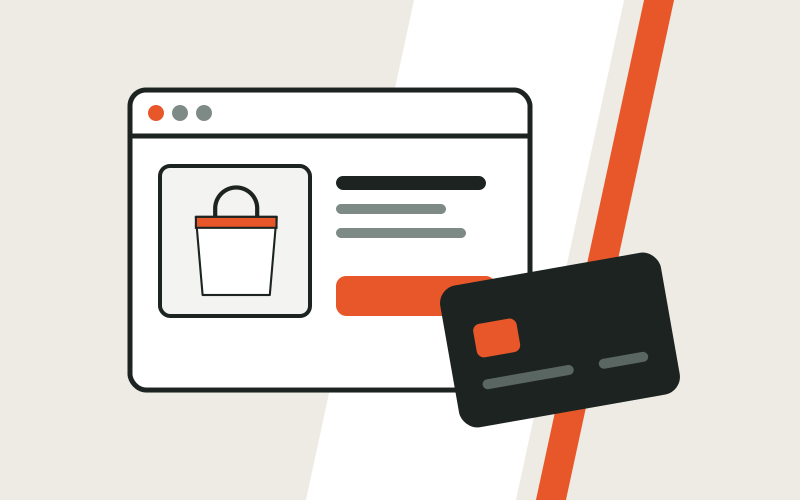
A card number, expiry date and security code by email, for online checkouts that take Visa. 2%, plus $10 on your first card.
 PayPal
A balance to pay with or pass on to someone else, sent to your PayPal email. PayPal works in over 200 markets.
 Western Union
Notes in hand at a Western Union agent, collected with your photo ID and the MTCN.
 Amazon Gift Card
A code for one of eight Amazon stores, emailed within minutes, $50 to $1,000 an order.
Step by step
From coins to spending money
- 1
Decide how you will spend it
Online shops and subscriptions: the virtual Visa. Paying people: PayPal. One store: its gift card. Paying in cash: a pickup.
- 2
Say where it goes
An email for the card details or a gift card code, your PayPal email, or your full name and country for a cash pickup.
- 3
Send the coins
Send the exact amount on your order page, on the network it names, within 20 minutes.
- 4
Use the money
Card details and codes reach your inbox within minutes of confirmation, and a cash pickup is usually ready the same day.
Good to know
Before your first cashout
Save every order page
With no bank statements, your order pages are the record of what you converted and when.
Your ID must match the order
For a cash pickup, type your name exactly as it appears on the ID you will show.
Pick the right gift card store
A code only redeems in the store or country it was bought for, so choose the one you actually shop in.
Can I really cash out crypto with no bank?
Yes. The virtual Visa, PayPal, gift cards, Paysafecard and cash pickup all pay out with no bank account on your side.
How does the virtual Visa work?
Type the card number, expiry date and security code at any online checkout that accepts Visa. It is for online payments, and each order is a card of its own.
Will I have to show ID?
Not for a standard Zilligo order, which needs no ID documents. At a cash pickup, the agent checks your photo ID before paying you.
Which payout costs the least?
Phone credit, at 1%. PayPal, gift cards, Paysafecard and cash pickup cost 1.5%, with Western Union and MoneyGram's transfer cost on top, and the virtual Visa 2%, plus $10 on your first card.
Other guides
Not quite you?
Ready when you are
Get your virtual Visa
A card number, expiry date and security code by email, for online checkouts that take Visa. 2%, plus $10 on your first card.
Orders from $50 on gift cards and top-ups, $100 on most payouts. Nothing moves until you send.
- 1Pick a payoutBank transfer, PayPal and other wallets, a card, a gift card or cash pickup.
- 2Send your coinsTo the one-time address on your order, before the 20 minute timer runs out.
- 3Get paidMost payouts arrive within minutes of your coins confirming.